





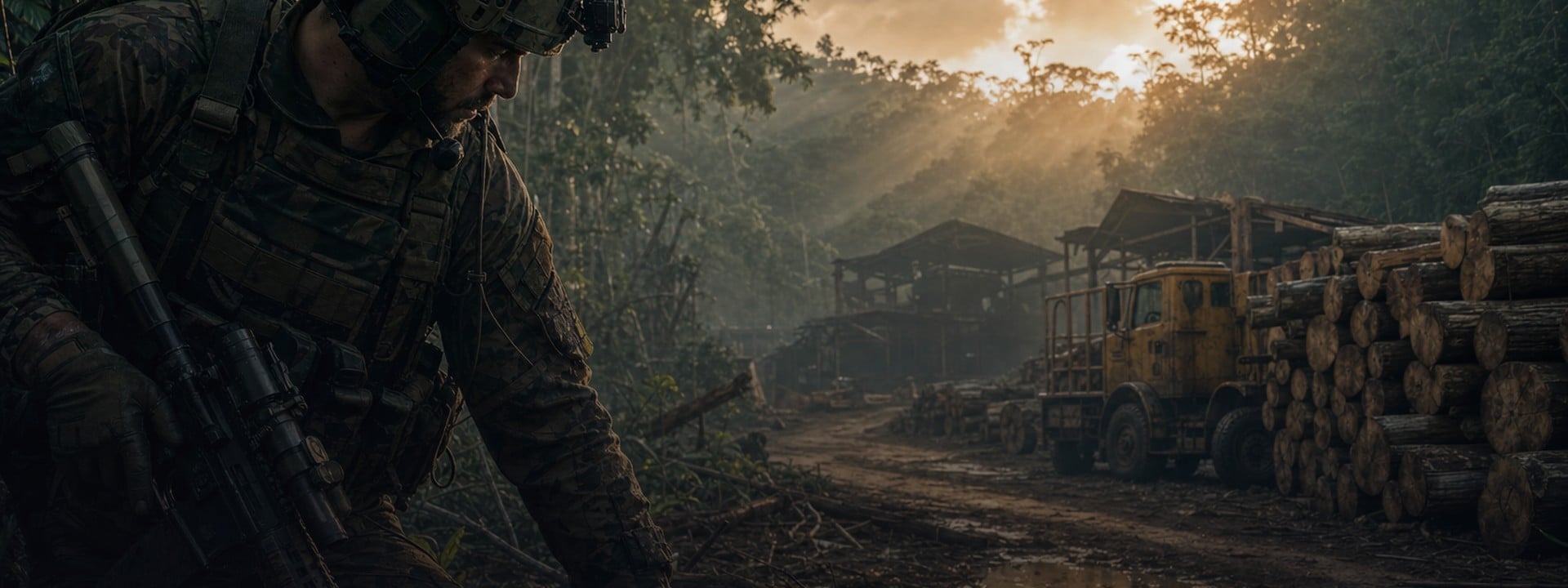
When a Tree Falls Gray Zone Warfare Task Guide
Find Malo Kethavongsa at the logging site south of the Sawmill, inspect his body, then report to Artisan. That's the route for When a Tree Falls in Gray Zone Warfare (GZW).
The location is the detail to check before you leave base. GZW Tac Map's 0.4 marker puts Malo at 141, 140. Launch-era guides send you to a different spot. You can waste a whole search around the right landmark while following the wrong coordinates. Current Malo marker.
Guide scope: Update 0.4. Sources checked October 10, 2026. The route uses community map and task information; it hasn't been independently tested in game by our team.
Artisan's best stock sits a few levels up 🛠️
Every Artisan task nudges your reputation, but the regions, tasks and gear you actually want unlock several vendor levels higher. Our GZW vendor leveling boost handles that climb, and the announced 0.5 soft wipe keeps vendor levels.
🎯 How do you complete When a Tree Falls in Gray Zone Warfare?
When a Tree Falls is an Artisan side task about finding a missing lumber-company employee. Head to the logging site south of the Sawmill, investigate Malo's body and confirm the objective has advanced before returning to Artisan.
The current task reference identifies Artisan, Sawmill and one task object: Malo Kethavongsa. The search is focused on that person, so you don't need to sweep every building in the main compound looking for another objective.
Use these details to check you're following the right mission:
Detail | What to look for |
Task giver | Artisan |
Missing person | Malo Kethavongsa, a Tonmai Hainy Lumber Company employee |
Search area | Logging site on the road south of the Sawmill |
Community map coordinates | 141, 140, marked for Update 0.4 |
Completion check | Body investigation followed by the task's report or completion state |
🎒 What should you check before leaving base?
Check that Artisan and the relevant task region are unlocked, then confirm When a Tree Falls is available. Accept it when you're ready to attempt the objective. Reaching the body and having an active task are separate parts of the run.
Update 0.4 changed progression and made available tasks visible on the tactical map, with approximate objective locations. Exploring a region doesn't automatically unlock its tasks. Your progression still determines access. Official Spearhead task changes.
An old guide may list a particular player level or an earlier quest as the prerequisite. Use the requirements shown in your current game instead. The reviewed current references don't establish a specific rank or preceding task for this mission.
Before taking off, follow this short run checklist:
- Check sharing eligibility before acceptance if you're organizing a squad run.
- Confirm When a Tree Falls is accepted and active.
- Read the objective and any survival condition on the task card.
- Choose an available landing zone and a return route.
- Pack ammunition and medical supplies for the trip back as well as the approach.
🗺️ Where is Malo Kethavongsa near the Sawmill?
Malo's current community marker is at 141, 140, at ground level. The wiki places his body on the north side of the logging area south of the Sawmill. Search the separate roadside logging site rather than relying on the main mill's label.
Use the 0.4 Malo marker to narrow the search, then check the body and objective update. Compare the marker with your live task card and surroundings when choosing the approach.
Echo 2 is a practical starting option when you have it available. The community map lists Echo 2 at 139, 142 and Echo 1 at 137, 146. Echo 2 is closer to Malo's marker by map coordinates, though terrain and enemies determine how the approach plays out.
Set the objective marker, check the road south of the Sawmill and approach the logging area with enough room to observe it. You don't gain anything by sprinting into the logs while trying to read a task prompt. Clear the immediate threat or wait for a better opening before interacting.
For broader navigation and landing-zone planning, our Lamang map guide explains the island's locations and routes.
How do you recognize Malo's body?
Look behind the log pile on the north side of the logging area. Malo lies beneath fallen lumber, according to the community walkthrough. Check the body itself rather than treating the surrounding wood as the interaction target.
The short Update 0.4 clip below shows the search for Malo. Older 0.3 tutorials can help you recognize the mission, but check their route against the 0.4 marker. Match your search to the current objective before trying to recreate a screenshot from another version.
✅ How do you confirm the objective is complete?
Approach Malo's body and use the interaction shown by your game. Then open the task view and check that the investigation objective has changed. Seeing the body is useful; the updated task state is what tells you the action registered.
Complete the interaction in this order:
- Confirm the accepted task still names Malo and the logging site.
- Move within reach of the body and look for the relevant prompt.
- Use your displayed interaction binding to investigate or identify him.
- Check the task view before leaving the site.
Older walkthroughs say to press F. Your displayed binding is the better instruction, especially if you've changed controls. The current references don't establish the exact prompt text for every live build.
You're there to investigate the body. Don't add an item pickup to your plan unless your current task card asks for one. If the objective still looks unfinished after interacting, work through the checks in the troubleshooting section before calling the run done.
A failed task costs you twice ⏳
When a task card carries a survival condition, dying on the way out fails it, costs a slice of the reputation it would have paid and usually drops it out of your pool for a while. Our GZW quest service takes the tasks you keep losing to the jungle so your chain keeps moving.
👥 What happens if you die or attempt the quest with a squad?
Death and squad credit depend on task conditions and sharing eligibility. The 0.4 task redesign introduced failure on death and temporary unavailability for most failed tasks. Check the active card before assuming that reaching the body protects your progress.
MADFINGER's task-system explanation says a failed task gets another chance to appear in the task pool after time passes. It doesn't give a fixed retry timer for When a Tree Falls. A failed task disappearing from the list doesn't, by itself, establish a bug.
Squad sharing arrived in patch 0.4.5.0 on June 25, 2026. It applies to selected tasks. Participants must be on the same server, have the region and vendor unlocked, and meet the prerequisites. Tasks already in progress can't be shared under those documented rules.
The notes also say that a shared task with a survival condition fails when a participating squad member dies. They don't confirm this named task's sharing eligibility or survival condition. Check the option in your current interface, and have each player confirm their own objective status before leaving.
💰 How do you turn in the task and check rewards?
Return to Artisan after the investigation registers, then use the task's available report or completion action. Check the reward panel for your run. First completion and repeat completion can award different reputation amounts under the revised task system.
The community wiki lists 300 experience points (XP), 225 Artisan reputation on first completion and 170 reputation afterward. Treat those as reported values and compare them with your live offer. Community reward listing.
The Mosin and 1,000 XP bundle shown in 2024 guides belongs to the older reward set. Spearhead rebalanced rewards, and item rewards now go directly to the locker rather than through messages. Official reward changes.
After turn-in, check your available tasks rather than expecting a particular quest to appear automatically. The current references don't confirm a fixed next-task dependency. Choose the next objective from what your progression has opened.
🔧 What can you check when Malo or the prompt is missing?
Start with the location, active objective and task state. Those checks distinguish an outdated route from an interaction that hasn't registered. Work through the table before treating the problem as a current game bug.
What you're seeing | What to check next |
You're searching around 138, 143 | Compare the 0.4 marker at 141, 140 and the roadside logging-site wording |
You're inside the main mill buildings | Check the logging area south of the Sawmill |
The body is visible without a prompt | Confirm the task is active, check the body rather than the logs and use the displayed binding |
The prompt worked but the objective seems unchanged | Open the task view and compare the remaining objective with the action you completed |
A squadmate received progress and you didn't | Check your own task state and the run's sharing eligibility |
The task disappeared after death | Check whether it failed and returned to the available task pool; don't assume an immediate retry |
The coordinate conflict has a clear explanation. Charlie INTEL's May 8, 2024 guide uses 138, 143, while the current community marker uses 141, 140. A guide can describe the correct task but still send you to its old location.
A missing prompt after those checks needs a useful report. Capture the task card, body location and what happened during the interaction. Include your build, mode and faction when contacting MADFINGER support. We haven't verified a fix for this task that requires changing servers or waiting a set number of minutes.
📅 Which version does this walkthrough cover?
This walkthrough covers the community-documented 0.4 objective, checked October 10, 2026. It uses the revised logging-site location and avoids carrying the launch-era reward and prerequisite assumptions into your run.
MADFINGER has scheduled Rogue Ops, Update 0.5, for October 22, with the Supporter Preview beginning October 19. Those are announced dates for the upcoming version. Recheck the objective and marker when playing that build. Official October 1 announcement.
The announced soft wipe keeps completed tasks and vendor levels while clearing money and locker contents. Completing a task and keeping every reward item are different outcomes, so plan around the progression you want to retain rather than the old reward bundle.
Start the new build with a full wallet 💰
The 0.5 soft wipe clears money and lockers. If you'd rather not spend your first sessions on the new build farming cash for kit, a GZW money top-up gets you deployed with the loadout you want.
🚀 Need a hand with the remaining objective?
If you're short on play time, use the location and task-state checks to identify what's still blocking the run.
Then review ArmadaBoost's Gray Zone Warfare quest assistance and confirm that When a Tree Falls is eligible for the offered service. Match the help to your current task state before ordering.



 Success

 Data
updated
Data
updated