





MW4 DMZ Operation Iron Citadel - Preparation Guide
MW4 Iron Citadel preparation starts with the mission you have selected, the gear your squad can afford to lose and a clear plan for the armory manifest. Agree on those three things before deploying. A run built around mission completion needs different decisions from a quick loot trip.
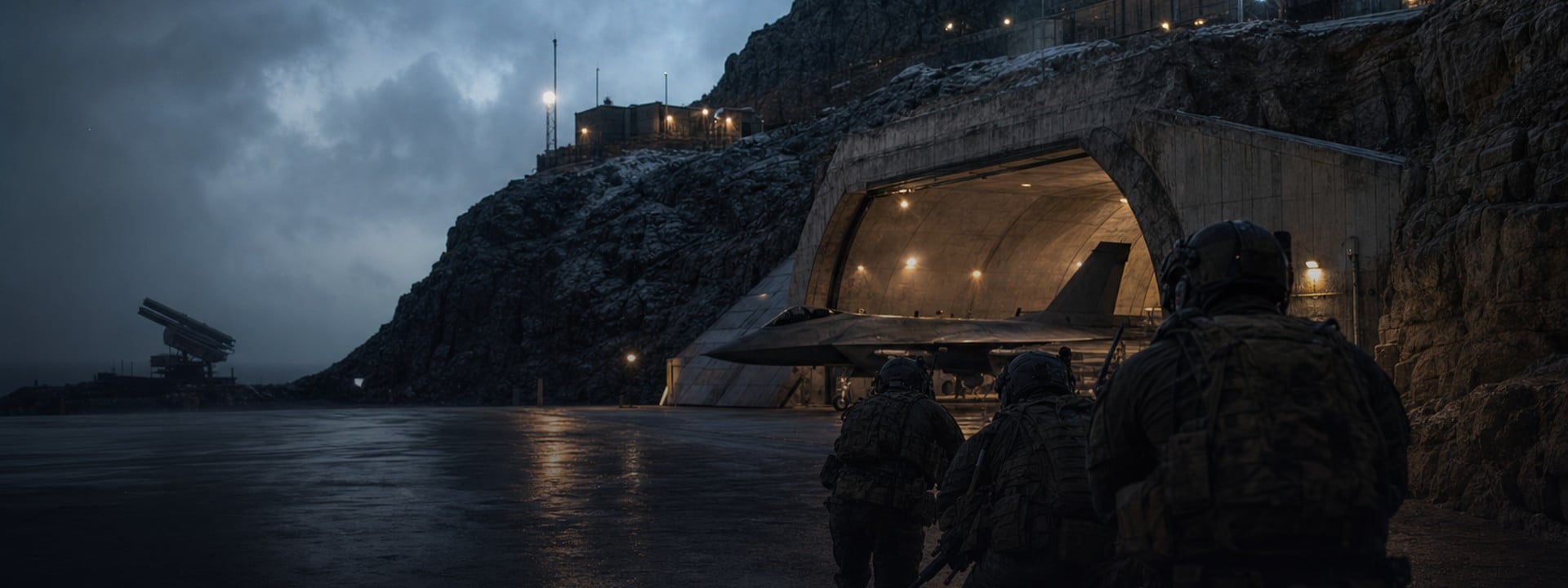
Operation Iron Citadel takes place at Chang-san Air Base in Call of Duty: Modern Warfare 4 DMZ. Published walkthroughs describe an access-card upgrade, an armory code, aircraft sabotage and a final manifest objective. This guide helps you prepare for those stages and check your progress. It uses official game guidance and attributed walkthroughs, rather than an ArmadaBoost gameplay test.
Skip the Iron Citadel grind 🎯
Iron Citadel is a Critical threat mission that opens only after Critical Extraction, Silent Ledger and Shopping Hacks. Rated 4.8/5 across 4,900+ Trustpilot reviews, our DMZ Missions Boost completes the Story Missions you select, Iron Citadel included, with their mission rewards.
📋 Check the MW4 Iron Citadel mission screen first
Select Story Missions and open Operation Iron Citadel before building your loadout. Read the briefing, current objectives, threat assessment and reward panel together. Keep a screenshot so the squad knows what the run needs to achieve.
Activision's FOB and deployment guide explains that Story Missions show objectives before deployment. Completed missions can also be replayed. Seeing the mission on someone else's menu does not establish your own unlock state.
The COD Central walkthrough names Operation Critical Extraction, Operation Silent Ledger and Operation Shopping Hacks as prerequisites. Use those names to check a locked mission tree. Your own menu is the deciding check before you organize the run.
Confirm which Citadel objective you need
Operation Iron Citadel is the Story Mission at the air base. A prison Citadel route, a bunker loot run and an Order that asks for a mission completion have different goals. Check the full task wording before joining a group.
If your goal is a DMZ Order, open its active page too. Record the Order separately from the Story Mission. After the run, check both progress screens instead of assuming one completion message covers every task.
🤝 Prepare your squad for Operation Iron Citadel
Build the squad around a shared objective. Tell teammates whether you need the full mission or are joining a replay for loot. Agree to stay together through the required final stage before anyone commits valuable gear.
The official Hajin guide describes Chang-san as a fortified air base with a large underground bunker. Surface movement and indoor fighting demand different positions. Carry a weapon you can control in the rooms where your squad expects to fight.
Give each teammate a clear job
Assign one player to read the objective tracker, one to cover interactions and one to watch the approach. These are suggested roles, not game classes. Swap jobs when a teammate needs armor, ammunition or a revive.
Check armor, healing, ammunition and recovery items before deploying. Published briefings recommend a 3-Plate Armor Vest, Medkit and Ammo Box for this mission. Check your own screen for the current recommendation. Carry equipment you can replace, and avoid turning one failed attempt into an empty Stash.
A solo attempt leaves one player managing every interaction and threat. Plan smaller movements and clear the immediate area before using a terminal. No available evidence establishes that solo is consistently easier than a coordinated squad.
COD Central also reports encounters with Colossus, an armored Commander carrying a minigun. Its described tactic is to attack between firing bursts. If that enemy appears, call the contact, move into cover and keep the teammate handling an objective protected. The report does not establish a guaranteed spawn on every attempt.
Deploy with the right kit 🛡️
The briefing recommends a 3-Plate Armor Vest, a Medkit and an Ammo Box, and the base keys are separate items. Our DMZ Items service delivers what you pick, from 3-Plate Armor Vests and secure backpacks to the Air Base DRC Weapons Locker key and the Supreme Leader Access Card.
🔑 Know the Iron Citadel access card and armory sequence
Use the following stages to prepare your squad's checks. The DMZCodex walkthrough describes this sequence; your current mission tracker should govern the actual run. Exact spawns and a complete route still need current-build gameplay validation.
Stage | What to check | Decision before moving |
Access card | Search the marked areas for the Air Base Access Card | Confirm the pickup and the next objective |
Card upgrade | Use the marked terminal in Admin Complex No. 2 | Collect the resulting Armory Card |
Armory entry | Recover the code information for this deployment | Read every required segment before entering it |
Manifest and sabotage | Follow the armory and aircraft objectives | Check each interaction has registered |
Keep the access cards separate
The starting Air Base Access Card and the upgraded Armory Card serve different stages. DMZCodex describes the upgrade terminal in the Server Room and the resulting Armory Card as single-use. Check the item name after the interaction. Activating the terminal and collecting its output are separate actions.
Published instructions place the armory in the bunker reached through the Entrance Garage. The card upgrade can also raise the alarm. Regroup and check supplies before the squad moves underground; opening access does not make the next room clear.
The Supreme Leader's bunker card and an Air Base DRC Weapons Locker key are also separate items. A guide mentioning the same air base does not make those keys interchangeable. Read the exact item and door prompt before changing your route.
Read this run's armory keycode
Published guides describe a changing armory keycode assembled from three notes. Do not copy digits from an old screenshot. Have one teammate read the segments in order while another watches the entrance.
If the code fails, compare the notes and their order before searching unrelated rooms. A code shown in a walkthrough demonstrates that author's run. It does not establish the code for your deployment.
Inside the armory, read the manifest objective and any marked explosive interactions before leaving. DMZCodex describes an armory sabotage step as well as the later aircraft charges. Treat those as separate tracker checks. Clear the marked blast area when instructed, then confirm the next objective.
✈️ Prepare for aircraft sabotage and extraction
Keep the mission tracker visible when leaving the armory. DMZCodex describes three marked aircraft and a final requirement to extract the manifest. Check the aircraft counter after each interaction. Reaching a marked aircraft does not show that its sabotage objective registered.
Avoid splitting the squad just to reach markers faster. Choose the next aircraft together, cover the interaction and then move. If the tracker adds another action, finish that action before deciding the stage is complete.
Check whether the SAM site is required
Published accounts differ about the SAM site's role. COD Central reports it as a mission objective in one run and a Side Op in another. Read the current tracker before committing to the capture. An optional activity can cost the supplies needed for your final objective.
The official Hajin guide says a SAM-site capture starts at its control computer. Nearby forces can react, and moving too far away can let them retake the site. Choose cover and a fallback position before starting.
The November 2 patch notes report a fix for SAM sites that could not be captured after another squad abandoned or failed the capture. That fix addresses a specific capture problem. It does not confirm that every Iron Citadel stall or crash is resolved.
Once extraction is the active objective, protect the manifest and the squad's ability to leave. More loot creates another decision, not automatic progress. Check the required item and extraction instruction before taking a detour.
Refill your Bank after a hard run 💰
Lost gear, an MIA Operator and a paid deployment option all come out of your DMZ Cash. Our DMZ Cash Boost adds the amount you choose to your Bank, shared across your Active Duty Operators, so your next attempt starts funded.
🏆 Verify Iron Citadel mission completion and rewards
Check the results screen before planning another deployment. Record the mission completion state, any linked Order progress and the items or options actually awarded. A completed sub-objective does not by itself show that the full mission finished.
Separate the reward from its later cost
Published sources associate Iron Citadel with an LTV deployment option, a bunker card and cash. The available accounts do not establish one guaranteed payout under every completion state. Treat the displayed briefing as the offer to check against your result, rather than a reason to promise a fixed return.
An LTV option and the cost of using it are separate checks. Confirm what the deployment menu allows after completion, then read any listed cash cost before selecting it. Do the same for a bunker card: record its full name and description rather than guessing from a cropped reward icon.
Keep mission rewards, extracted loot and DMZ Player Level XP separate in your notes. Activision explains that earned Player Level XP can persist after a failed extraction. XP on a result screen therefore does not prove that a required item was extracted or an Order completed.
🛠️ Check the objective when progress stops
Start with the last confirmed objective. Compare the tracker with the interaction you completed and the items you hold. Then check whether the squad is waiting for a pickup, a code segment, a registered sabotage action or extraction.
The official FOB guide describes a dedicated Mission Item slot that starts empty and receives important mission items automatically. That description does not establish where every named key or card belongs. Read the current inventory and pickup prompt before discarding ordinary gear to make space.
Record a crash or missing objective clearly
Save the exact mission stage, platform, error message and time of the problem. If possible, keep a short clip showing the last completed action and the tracker afterward. Those details make a repeat failure easier to report and compare.
One Reddit thread describes crashes near the code or armored-enemy stage, with a second player reporting a similar issue. These are player reports, not a confirmed cause or tested workaround. Check Activision's known-issues page and current patch notes before repeating a costly attempt.
Activision provides a bug-report link on that support page. Submit the observed problem rather than a guessed diagnosis. Do not assume a fix for a differently named mission applies here.
✅ Use this Iron Citadel preparation checklist
- Open your Story Mission and any linked active Order. Save the exact objective wording.
- Agree that the squad is attempting mission completion, a replay or a loot run.
- Check the current briefing and bring armor, healing and ammunition you can replace.
- Confirm the starting card, upgraded card and current code at their own stages.
- Watch the sabotage counter and follow the live tracker for any SAM-site requirement.
- Check the manifest and extraction objective before choosing extra loot.
- Compare the final mission, Order, reward and deployment screens after the run.
The aim is a completed objective and a clear next step. Good preparation gives every teammate the same finish line, so your evening goes toward the progression you came for.
If you want help with an unlocked Story Mission, review ArmadaBoost's DMZ Missions Boost. Confirm Iron Citadel availability and the exact selected task before ordering. Story Missions must already be unlocked; an individual Order requires its page to be unlocked and active. Other Orders and prerequisites need separate selection. For a different progression goal, compare the services in the MW4 DMZ hub.



 Success

 Data
updated