





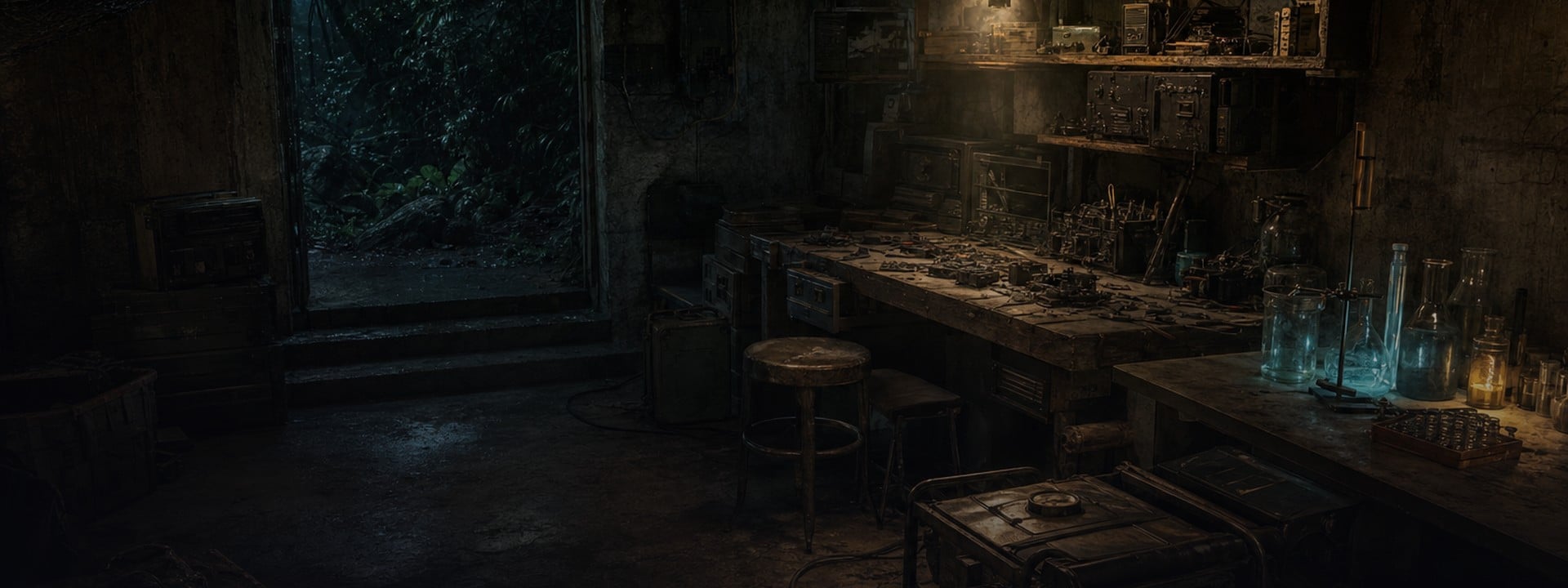
Gray Zone Warfare Hideout Items Guide for Update 0.5
One missing part can hold up a Hideout upgrade even when the rest of your locker is full. Open the station you want to build, check what it asks for, and count what you already have. That gives you a shorter list than any full-Hideout shopping guide.
ArmadaBoost's Gray Zone Warfare Hideout Items service delivers selected materials for Laboratory, Electronics Workshop, and Utility Room upgrades. It's for the parts you're missing. You apply the upgrade in-game once you meet its requirements.
Fill the gap in your build list 🧰
Rated 4.8/5 across 4,900+ Trustpilot reviews, our Hideout Items service delivers the materials you select for Laboratory, Electronics Workshop and Utility Room upgrades, without account sharing.
🧰 Gray Zone Warfare Hideout Upgrade Materials by Room
Start with the materials for one station you can build or upgrade. If power is the blocker, check the Utility Room first. If you've already got the power you need, pick the Workshop or Lab station that gets you closer to a recipe you'll use.
The Rogue Ops devlog explains what each of the three rooms does. Use this comparison to pick the room, then use the current station screen to get the quantities.
Hideout room | What it does | When to prioritize it |
|---|---|---|
Utility Room | Supplies electricity to equipment in the other rooms | Your next station needs more power |
Electronics Workshop | Crafts equipment and disassembles eligible devices for components | You want a compatible in-game tool or have a recipe that needs Workshop equipment |
Laboratory | Produces specialized goods, including medical products | You have a specific Lab recipe or production goal |
A room name isn't enough for a material list. Write down the station and target level too. Two builds in the same room can ask for different parts.
Utility Room materials for power
Check the Generator when your next piece of equipment needs power. Read the station's power requirement before ordering. If your current Generator already covers it, put your materials toward the station you want to use.
Electronics Workshop Materials for Tools and Crafting
Start with the tool or component you actually want to make. Then work back to the Workshop station and recipe it requires. A circuit board on an upgrade list doesn't mean you're buying the finished tool.
The Electronics Workshop can disassemble eligible electronics into components. Use the unlocked recipe to see which components you need to craft a hacking tool. The Rogue Ops release notes describe three tiers of in-game hacking devices for compatible electronic locks. If your goal is one locked room, check what the door accepts in our in-game key and locked door guide before committing to a Workshop build.
Laboratory materials for medical production
Choose a Lab upgrade around an output you plan to make. The Laboratory needs equipment to get a station running and separate ingredients to produce goods. Check both lists, but don't put them in the same basket by default.
Say you're building toward making stims. First check the station the recipe needs. Then check that the recipe is available to your operator. The material that finishes the upgrade and the ingredient the recipe consumes solve two different problems.
Hideout still locked? 🤝
The Hideout opens at rank 2 with Lab Rat and Artisan. Our Vendor Leveling service delivers high-value materials to sell to the vendor you pick, Lab Rat and Artisan included, without account sharing.
🔑 How to Unlock the Hideout in Gray Zone Warfare
Check your vendor ranks, the station's next level, and any power requirement before ordering materials. MADFINGER's Rogue Ops support FAQ lists Lab Rat and Artisan at rank 2 for Hideout access. Those are vendor ranks, not character levels.
Banshee rank 3 is a separate unlock for Hideout-linked smuggling missions. You don't need it to start building the Hideout. If your goal is a Lab product for a contract, check the contract's requirements before you plan the production run.
Check the operator you'll build on. If reputation is the blocker, start with our Gray Zone Warfare vendor guide. If you've got the access and the power, you're ready to work out the material shortfall.
📝 How to Make a Hideout Materials List
Copy the exact item names and required quantities from the station screen. Subtract the usable parts you've already set aside. Put only the remainder on your list. Don't count the same stack toward two upgrades you plan to build back to back.
Here's a sample of how to do the subtraction. The numbers are made up to show the method, not a current recipe.
Example item | On the station list | Already set aside | Still missing |
|---|---|---|---|
Electrical Parts | 5 | 3 | 2 |
Multimeter | 1 | 0 | 1 |
Power Supply | 2 | 2 | 0 |
That leaves two Electrical Parts and one Multimeter to find or order. Leave the Power Supply off the list. If you decide to build the Utility Room first, redo the count after that upgrade consumes its parts.
For a custom order, send the room, station, target level, and exact missing quantities. A screenshot of the station list can help if you're unsure which item name to use. Ask the team to confirm which items and quantities it can supply.
Building the Workshop for one tool? 🔓
If the hacking tool is the goal, skip the craft. Our Superior Hacking Tool service delivers the finished device for electronic keypad doors in a live in-game session, without account sharing.
🔄 What's Changed for Hideout Loot in Update 0.5?
In Gray Zone Warfare 0.5, the first Rogue Ops patch made selected materials smaller and lighter. Plastics and chemical components now spawn more often and in more places. MADFINGER's November 5 Patch 0.5.1.0 notes also report shorter production and disassembly times. The November 10 hotfix brought the live build to 0.5.1.1 and listed stability fixes.
A launch-week player report describes finding advanced gear while still missing basic plastics. That's a good example of a blocker, not a current drop-rate estimate. If the part you need fits a route you're already taking, put it on your loot list. If it's the last thing holding up your build, order the missing part instead of planning another dedicated loot run.
🛒 How to Order Gray Zone Warfare Hideout Items
The service covers the selected upgrade materials in your order. The product page lists an active Gray Zone Warfare account as a requirement. After you order, our team uses the site's web chat to confirm the details and arrange a delivery time.
- Check your build. Open the station screen for the operator you're using and make a list of missing items.
- Choose your materials. Review the options and current total on the product page. Message the team in web chat if your list doesn't fit the choices shown.
- Confirm the delivery details. Review the item names and quantities with the team in web chat. Then agree on a time for delivery.
Does the service finish the station upgrade?
It delivers your selected materials. You'll still open the station and apply the upgrade in-game once you meet its requirements. If you're planning to craft after the upgrade, check the recipe separately so you have its ingredients too.
Can you request parts for more than one room?
List each room and station in your custom request. Add up what both builds need, then subtract each stack you own only once. Ask the team to confirm what it can supply before you place the order.
🚀 Get the Parts Your Next Hideout Upgrade Needs
Once you've made your list, order Gray Zone Warfare Hideout materials for your Laboratory, Electronics Workshop, or Utility Room. If the options don't match your build, request a custom order with the exact parts you need.



 Success

 Data
updated